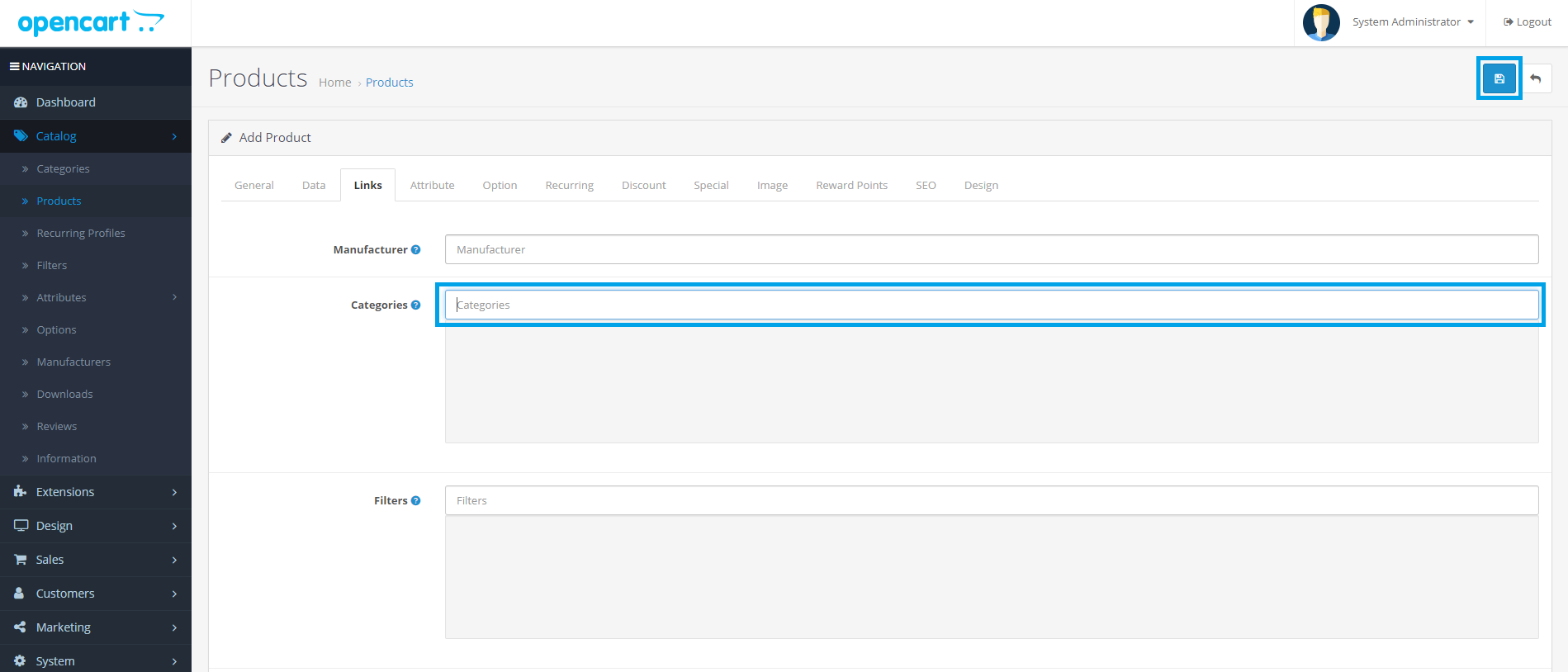
ADD PRODUCT
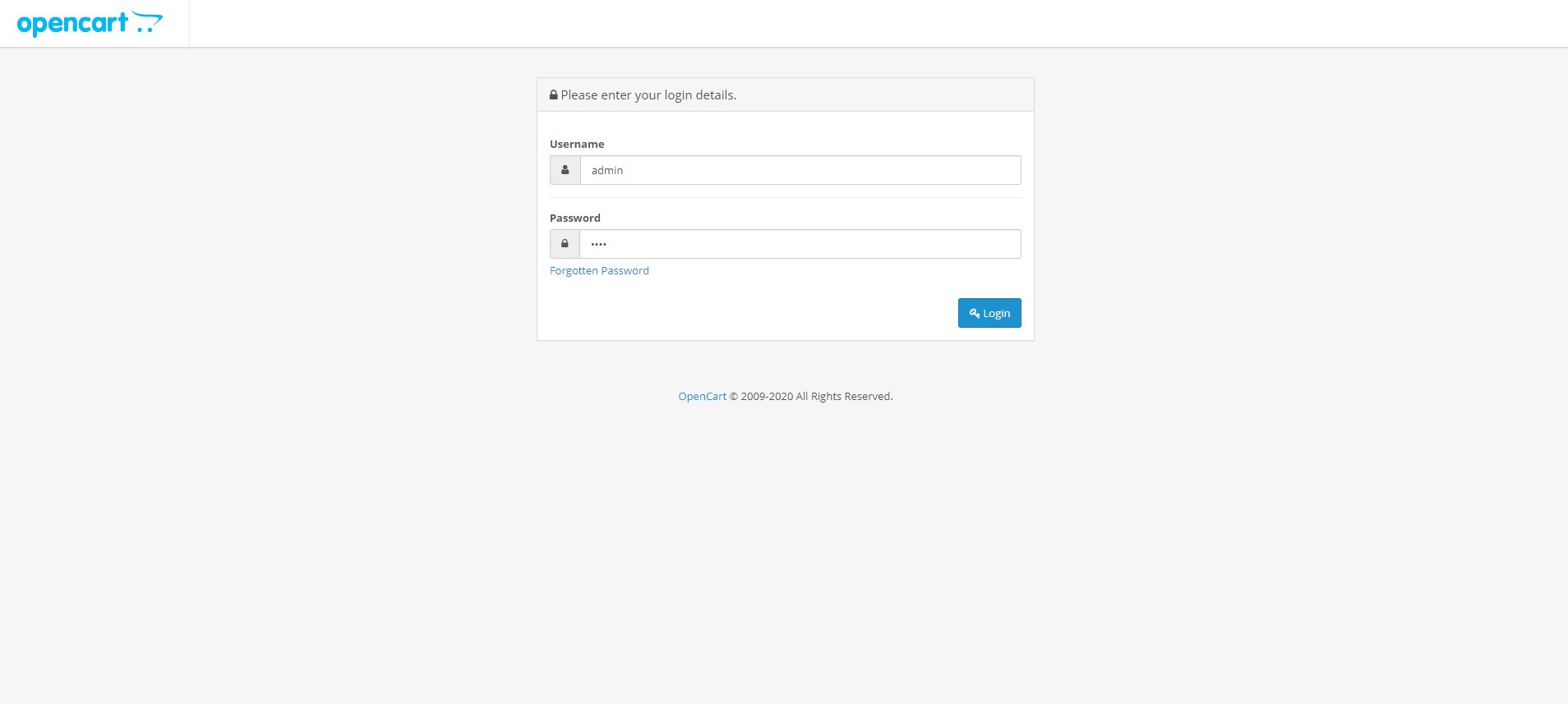
Login
Go to
https://theelectronicsstores.com/admin
Username: admin
Password: pass
Add Product
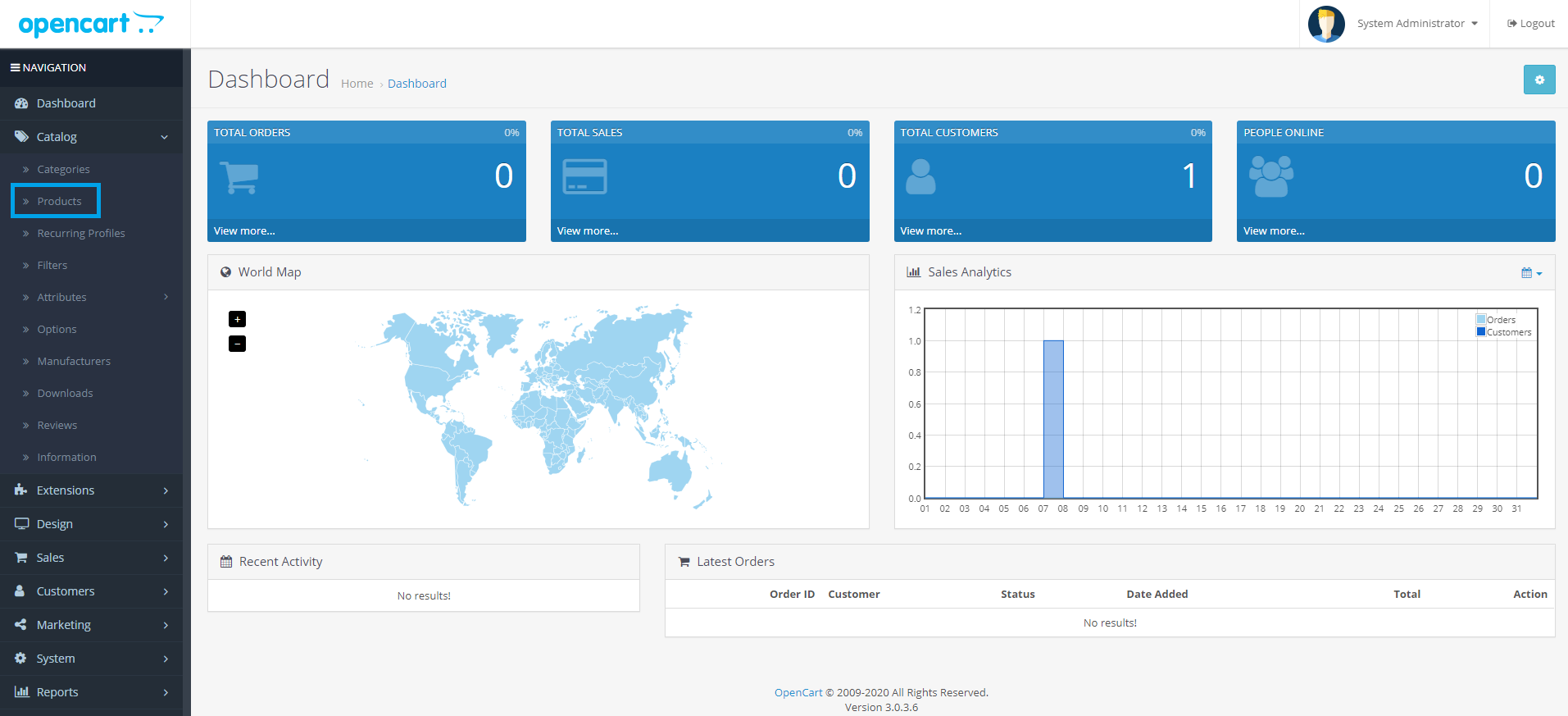
1. On the sidebar menu click "Catalog" then click "Products".
2. Click the "Add" Button.
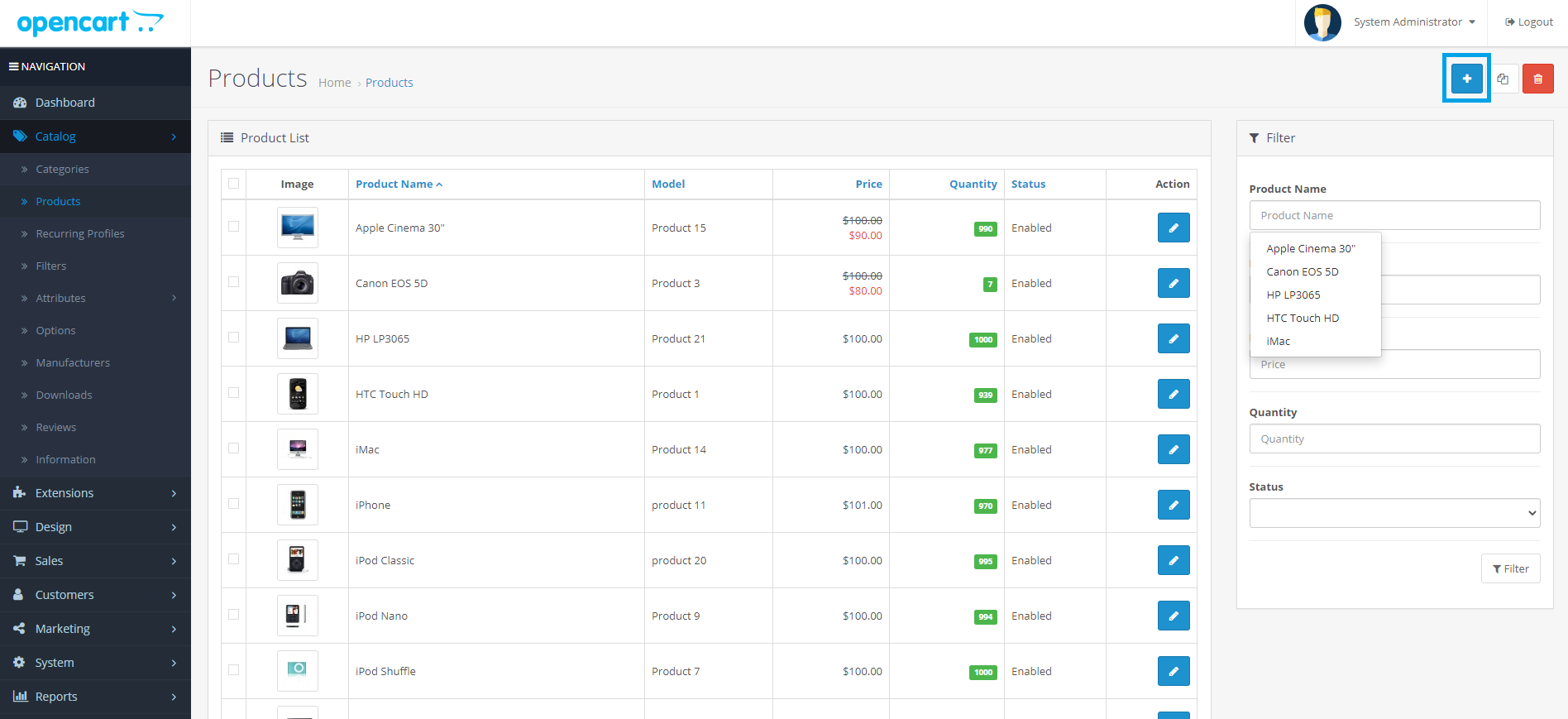
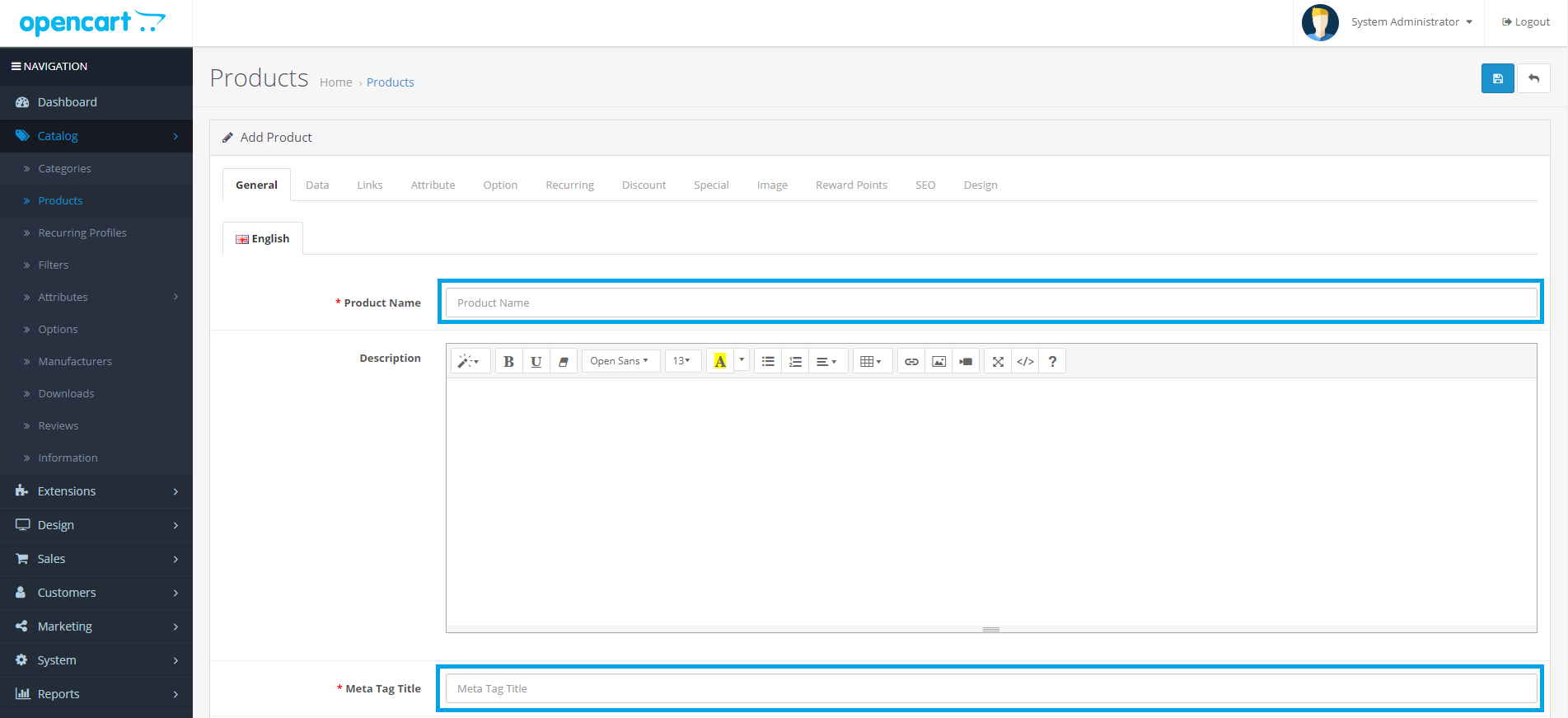
3. Input the required fields such as Product Name and Meta Taglline.
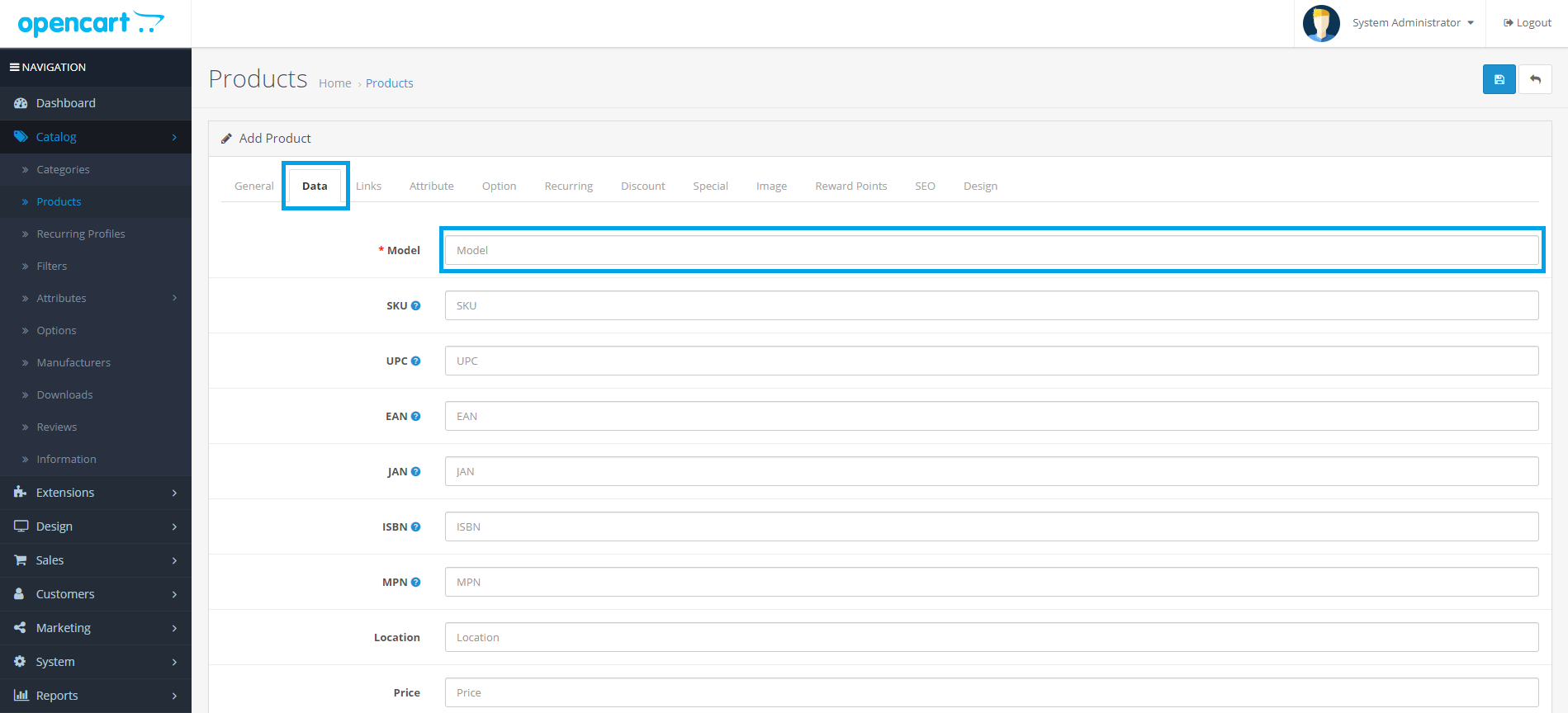
4. Click the "Data" and input the Model of the product.
5. Select the category of the product and Click the "Save" button when you are finish.